Font Finder AI Logo - Optical Font Identifier
Font FinderAI
AdvertisementFont Finder AI Sponsor
Social Media & Content6 min

Instagram Reels & TikTok Fonts: Every Native Font Name + Free Download Dupes (2026)

The complete 2026 guide to every Instagram and TikTok native text font — their real typeface names, free Google Fonts alternatives, and how to use them in Canva and Premiere.

FA
Font Finder AI Editorial Team
Published September 7, 2026 • Social Media & Typography Specialists
Instagram Reels and TikTok native fonts guide with free alternatives

You've seen it in every viral Reel: that specific clean white sans-serif on Instagram Stories. Or the bold blocky text that every TikTok creator seems to be using on their trending videos. You want to match it exactly in Canva, CapCut, or Premiere — but searching 'what font does Instagram use' just gives you vague blog posts.

This guide gives you the definitive 2026 answer: the real name of every Instagram and TikTok native font, their free downloadable alternatives, and exactly how to identify custom fonts that creators are using in their overlays.

AI Font Detector • 100% Free

Ready to scan your font image?

Drag your file or paste with Ctrl+V to identify the font and grab the free Google Fonts twin instantly.

Click here or drop your image / screenshot

PNG, JPG, WEBP • No signup or search limits required

Identify My Font Now
SIL OFL Open Twins

1. Why You Can't Just Identify Instagram/TikTok Fonts by Screenshot

Unlike a website where you can right-click and inspect the CSS font-family, Instagram and TikTok render text overlays inside their proprietary video compositing system. The text is baked into the video frame before it reaches your screen — there's no font metadata attached.

When you screenshot a Reel or TikTok, what you get is a compressed JPEG/PNG of the final rendered video — just pixels. No font data.

This is why two separate approaches are needed: (1) a reference table mapping native platform font names to their real typeface equivalents, and (2) visual AI identification via Font Finder AI for custom/overlay fonts that creators import themselves.

2. Instagram Native Fonts — Complete 2026 Map

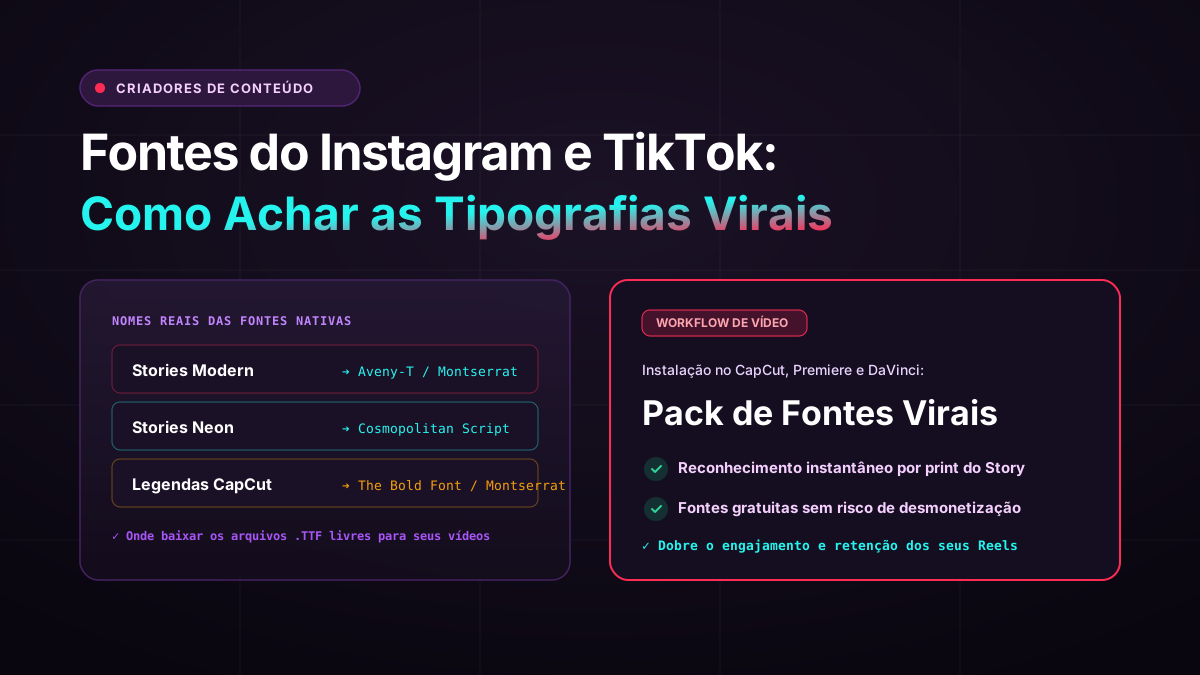
Instagram's text editor offers 7 native font styles. Here are their real typeface names and free alternatives:

Classic → Proxima Nova / San Francisco → Free alt: Montserrat, Nunito Sans (SIL OFL)

Modern → Didot / Canela → Free alt: Cormorant Garamond, Libre Baskerville (SIL OFL)

Neon → Lobster (customized) → Free alt: Lobster (Google Fonts, SIL OFL)

Typewriter → Courier New → Free alt: Courier Prime, Special Elite (SIL OFL)

Strong → Impact / Bebas Neue → Free alt: Bebas Neue (Google Fonts, SIL OFL)

Script → Pacifico (exact match) → Pacifico is free on Google Fonts (SIL OFL)

Condensed → Roboto Condensed Bold → Roboto Condensed is free on Google Fonts (SIL OFL)

Important note: Instagram uses slightly customized/proprietary versions of these typefaces with adjusted letter-spacing and weight.

IG Font StyleReal TypefaceFree AlternativeLicense
ClassicProxima Nova / San FranciscoMontserrat, Nunito SansSIL OFL
ModernDidot / CanelaCormorant GaramondSIL OFL
NeonLobster (custom)Lobster (Google Fonts)SIL OFL
TypewriterCourier NewCourier Prime, Special EliteSIL OFL
StrongImpact / Bebas NeueBebas Neue (Google Fonts)SIL OFL
ScriptPacificoPacifico (Google Fonts)SIL OFL
CondensedRoboto Condensed BoldRoboto CondensedSIL OFL

3. TikTok Native Fonts — Complete 2026 Map

TikTok's text editor offers 8 native font styles. Their real names and free alternatives:

Classic → TikTok Sans (proprietary, 2023) → Free alt: Montserrat Regular

Bold → TikTok Sans Bold → Free alt: Nunito Bold, Poppins SemiBold

Handwriting → Caveat (near-exact match) → Caveat is free on Google Fonts

Serif → Merriweather-like serif → Free alt: Merriweather, Lora

Neon → Custom outlined sans → Free alt: Orbitron, Audiowide

Typewriter → Special Elite (near-exact) → Special Elite is free on Google Fonts

Glitch → Custom layered display → Free alt: VT323, Share Tech Mono

Comic → Bangers (near-exact) → Bangers is free on Google Fonts

Key insight: TikTok launched their own proprietary 'TikTok Sans' in 2023. Montserrat is the closest free geometric humanist substitute.

TikTok FontReal TypefaceFree AlternativeLicense
ClassicTikTok Sans (proprietary)Montserrat RegularSIL OFL
BoldTikTok Sans BoldNunito Bold, Poppins SemiBoldSIL OFL
HandwritingCaveat (near-exact)Caveat (Google Fonts)SIL OFL
SerifMerriweather-likeMerriweather, LoraSIL OFL
NeonCustom outlined sansOrbitron, AudiowideSIL OFL
TypewriterSpecial Elite (near-exact)Special Elite (Google Fonts)SIL OFL
GlitchCustom layered displayVT323, Share Tech MonoSIL OFL
ComicBangers (near-exact)Bangers (Google Fonts)SIL OFL
AdvertisementFont Finder AI Sponsor

4. How to Identify Custom Fonts Creators Use in Their Videos

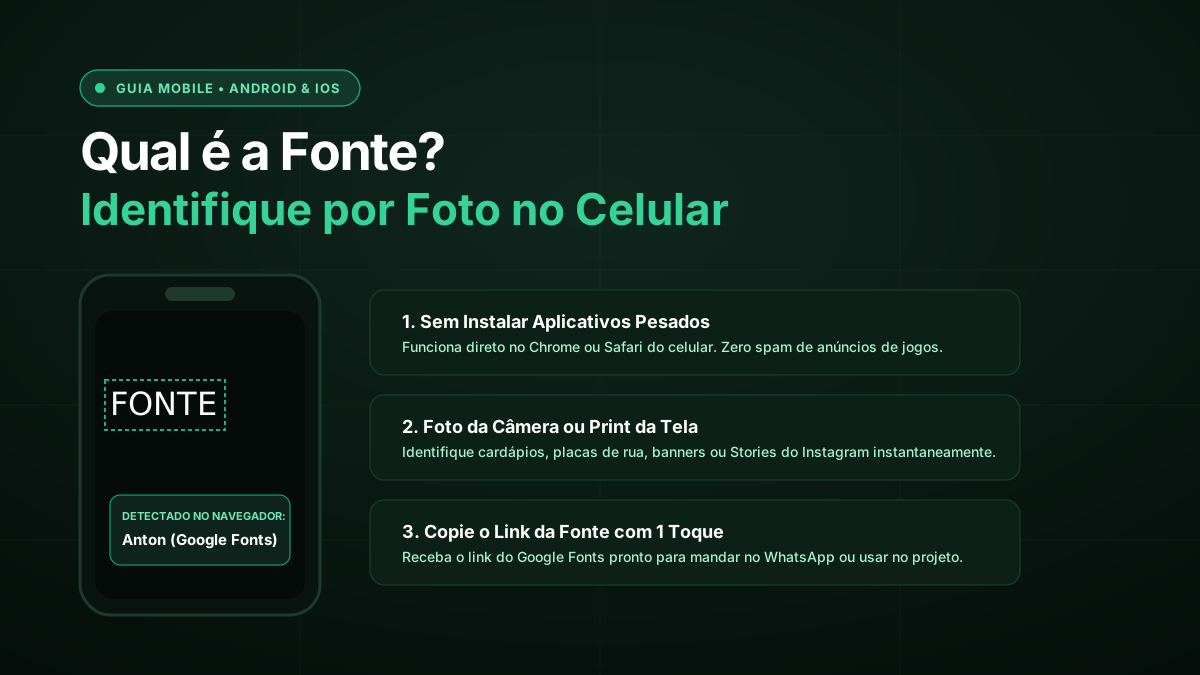
Many top creators don't use native platform fonts — they import custom typography via third-party editing apps like CapCut, VN, Splice, and Canva before uploading to TikTok or Instagram.

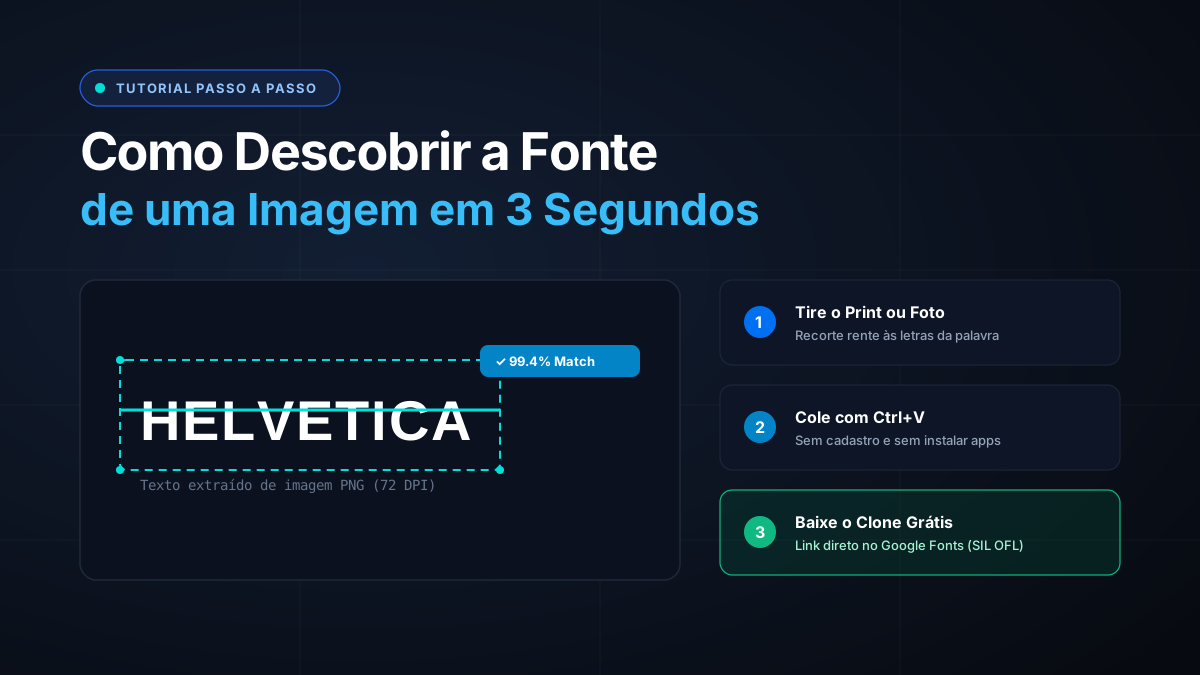
Step 1: Pause the video at a frame where the text is clearly visible. Step 2: Screenshot that frame (crop tightly around the text).

Step 3: Upload the screenshot to Font Finder AI — get the font name and a free downloadable alternative within 30 seconds.

This works for any font overlay — whether the creator used CapCut's built-in fonts, a Canva export, or custom typography imported from DaFont.

5. Using These Fonts in Canva, Premiere & CapCut

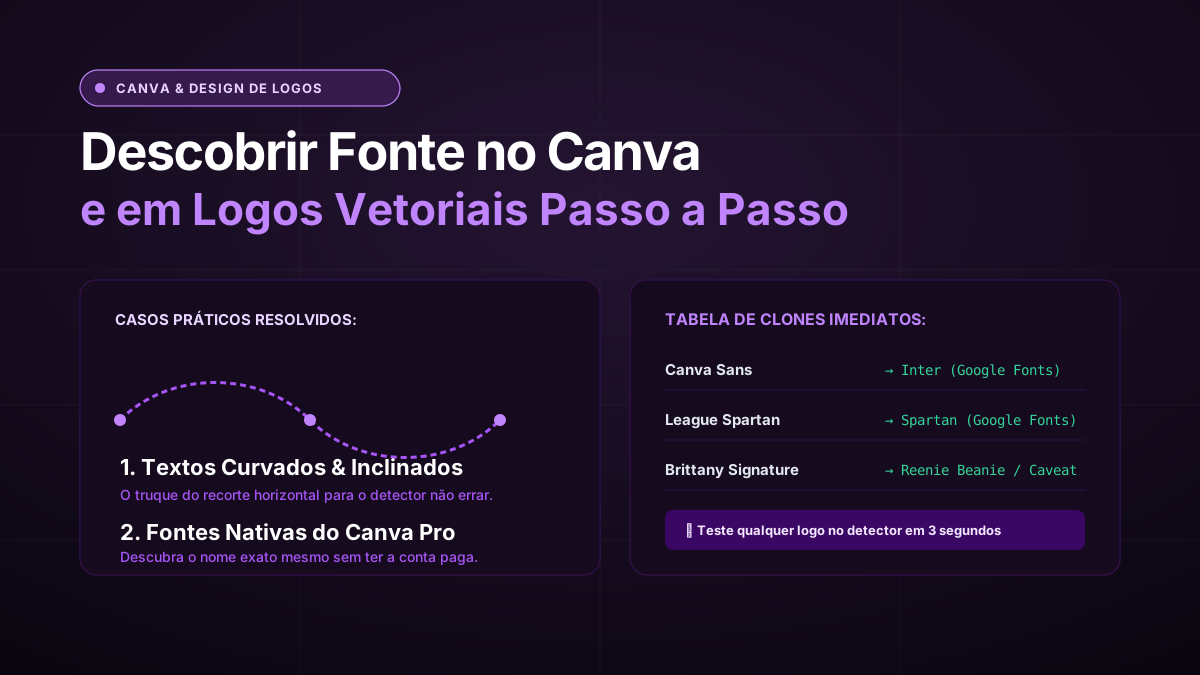
Canva: All Google Fonts are pre-loaded. Search any font name in the Fonts panel. For fonts not in Canva's library (like Proxima Nova), upload the .TTF via Brand Kit. Free substitute: Montserrat.

CapCut: CapCut has its own curated font library. Upload custom .TTF files on the desktop version: Fonts tab → Upload. Most Google Fonts alternatives are already in CapCut's library.

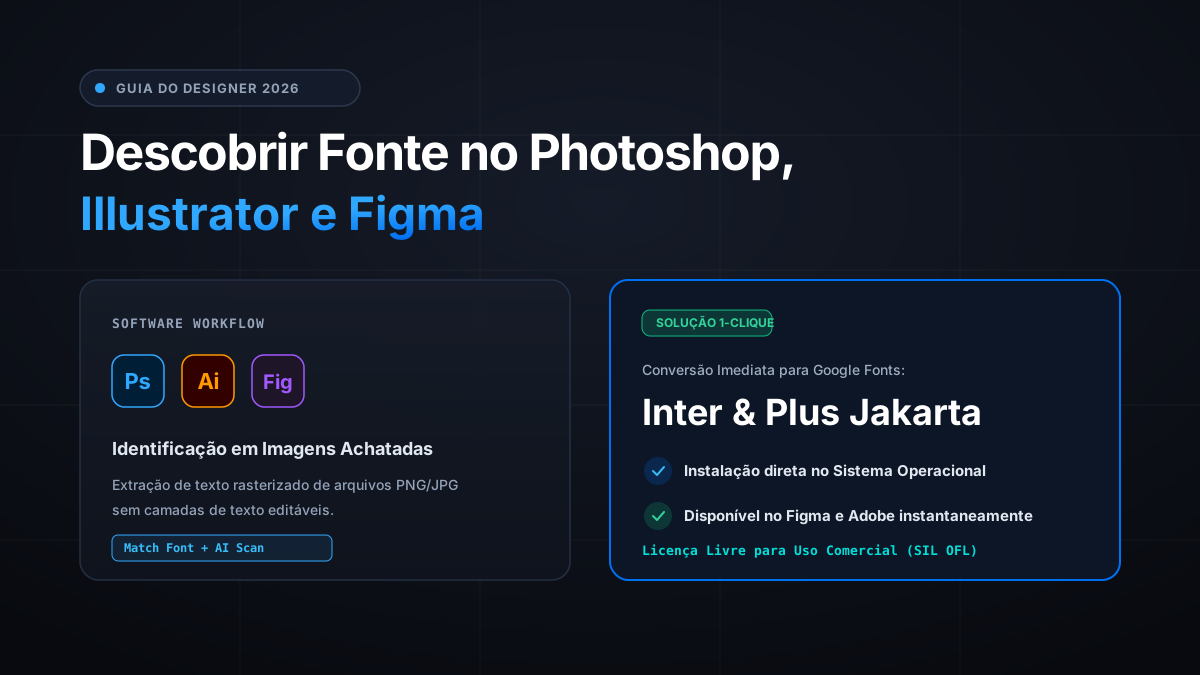
Adobe Premiere / After Effects: Install the .TTF or .OTF file directly to your system Fonts folder. All Adobe apps pick up system fonts automatically on restart.

Google Fonts download: Visit fonts.google.com, click any font, then the Download button in the top-right corner.

Frequently Asked Questions

What font does Instagram use for its native text overlay?

Instagram's 'Classic' font style is based on Proxima Nova / San Francisco, with proprietary adjustments. The closest free alternative is Montserrat (available on Google Fonts, SIL OFL licensed). For TikTok's Classic, the platform uses their proprietary 'TikTok Sans' — Montserrat is again the closest free alternative.

Can I download Instagram or TikTok's proprietary fonts?

No — TikTok Sans and Instagram's proprietary typefaces are not publicly licensed for download or external use. This is exactly why the free alternatives in this guide are useful: they give you the same aesthetic for your own content without licensing issues.

How do I identify a custom font a creator is using in their TikTok video?

Pause the TikTok at a frame where the text is clearly visible. Screenshot and crop tightly around the text. Upload it to Font Finder AI — the visual AI identifies the font and shows a free downloadable alternative in under 30 seconds.

What font is used in TikTok thumbnails and cover images?

TikTok cover images typically use either the platform's Classic (TikTok Sans) or Bold styles, or creator-imported custom fonts. For creator-imported fonts, the screenshot method with Font Finder AI will identify them accurately.

Are the fonts in this guide safe for commercial use?

Yes — all Google Fonts alternatives listed in this guide are released under the SIL Open Font License (OFL), which explicitly permits personal, commercial, and client work use without any fees.

Conclusion

Platform fonts don't have to be a guessing game. Whether you're recreating an Instagram aesthetic or matching a viral TikTok look, every native font now has a name — and a free alternative you can download in 60 seconds.

Spotted a custom font in a creator's video that's not in the table above? Screenshot the frame and drop it into Font Finder AI — get the exact font name and a free alternative instantly.

Tags:#Instagram Fonts#TikTok Fonts#Social Media Design#Reels#Content Creator
AdvertisementFont Finder AI Sponsor
Keep Reading

Related Articles & Guides

View all articles →