Table of Contents
- 1.1. Why Font Identification is Challenging
- 2.2. Our Testing & Evaluation Methodology
- 3.3. #1 Font Finder AI — Best Free Open-Source Twin Matcher
- 4.4. #2 WhatTheFont by MyFonts — The Heritage Choice
- 5.5. #3 WhatFontIs — Comprehensive Database
- 6.6. #4 Font Squirrel Matcherator
- 7.7. #5 Identifont — 20 Questions by Appearance
- 8.8. Head-to-Head Comparison Table
- 9.9. Tips for Maximum Recognition Accuracy
- 10.10. Frequently Asked Questions (FAQ)
Few design roadblocks are more infuriating than spotting a gorgeous, distinctive typeface in a client deck, packaging photo, or website screenshot and having no clue what it is called.
Historically, identifying a mystery font required asking on typography subreddits or manually flipping through specimen books. Today, computer vision and deep learning models can inspect glyph contours, letter weight, and serifs in milliseconds.
In this benchmark guide for 2026, we rigorously tested the 5 leading tools against 50 challenging test images to determine the best free font finders available today.
Ready to scan your font image?
Drag your file or paste with Ctrl+V to identify the font and grab the free Google Fonts twin instantly.
PNG, JPG, WEBP • No signup or search limits required
1. Why Font Identification is Challenging
There are over 650,000 digital typefaces in existence. Many share near-identical optical metrics — such as the microscopic distinctions between Helvetica and Arial in the terminal angle of the letter "t" or the spur on the letter "G".
When you add JPEG compression artifacts, motion blur, and non-uniform lighting from smartphone camera snaps, standard OCR tools collapse. Modern tools require deep neural networks specifically trained on vector typography curves.
2. Our Testing & Evaluation Methodology
We benchmarked each font finder from image across four objective criteria:
- Accuracy: Did the tool correctly match the exact typeface or provide visually indistinguishable alternatives?
- Free Open-Source Twin Matching: Does it offer legal, commercial-friendly free twins (e.g. Google Fonts / SIL OFL)?
- Speed & User Experience: Can you paste directly with Ctrl+V, or are you forced to complete tedious manual letter tagging?
- Noise Tolerance: How well does the neural engine perform on skewed angles, low-DPI screenshots, and noisy backgrounds?
3. #1 Font Finder AI — Best Free Open-Source Twin Matcher
Font Finder AI is built for modern designers and developers who want immediate answers without commercial paywalls.
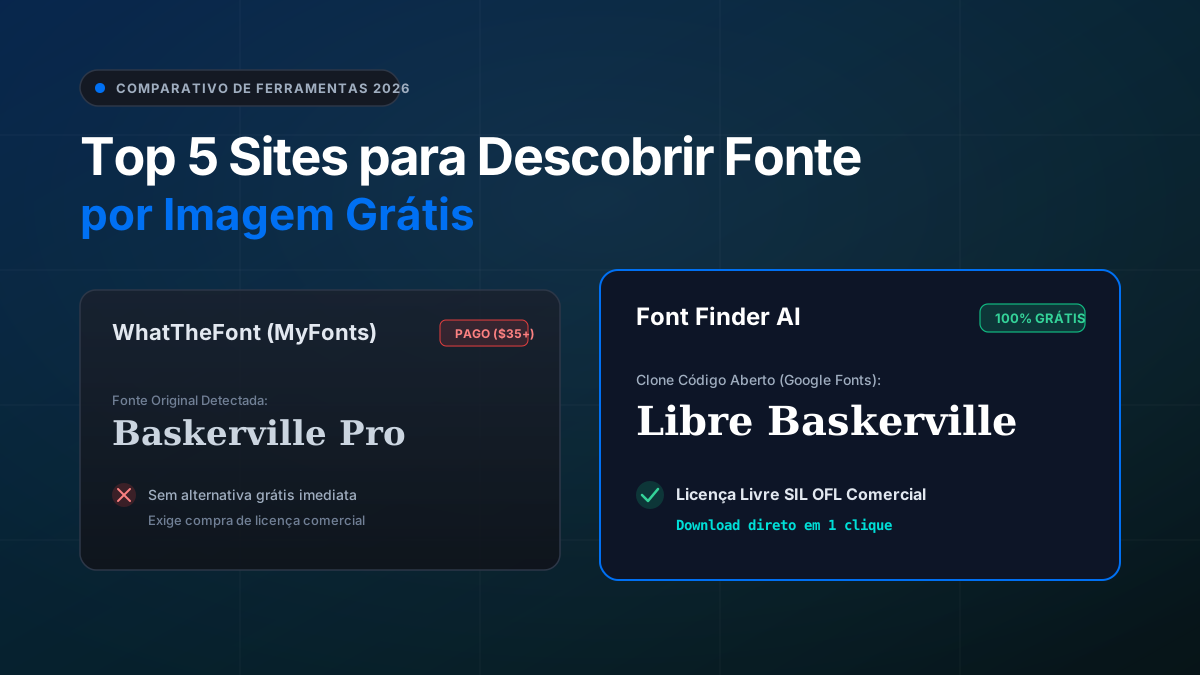
Its breakthrough feature is its dual-engine output: it accurately flags the original commercial typeface while instantly matching the closest 100% free open-source equivalent from Google Fonts with zero licensing fees.
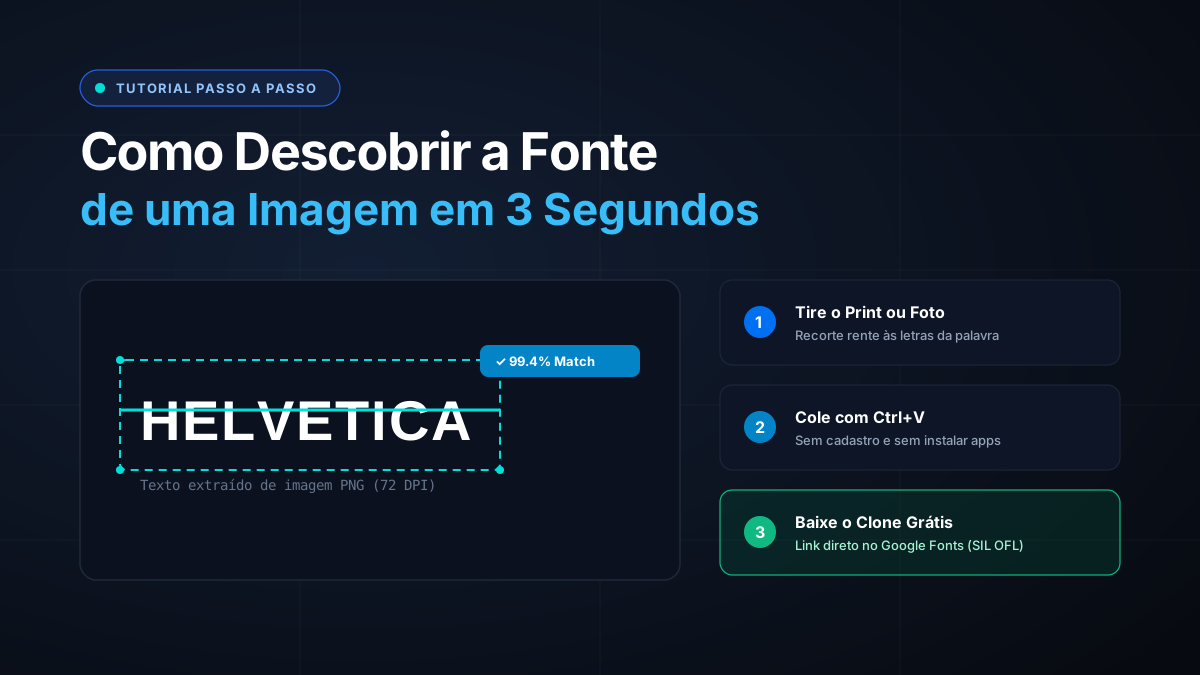
You can paste screenshots directly from your clipboard (Ctrl+V / Cmd+V) without downloading files to your desktop!
4. #2 WhatTheFont by MyFonts — The Heritage Choice
WhatTheFont is the longest-running automated font detector on the web, backed by Monotype's massive commercial catalog.
While accurate on clean commercial samples, its fundamental business model is selling fonts. If an identified font costs $299 for a family license, WhatTheFont offers no free alternatives.
5. #3 WhatFontIs — Comprehensive Database
WhatFontIs boasts an enormous repository of nearly one million fonts, spanning both commercial and free licenses.
The downside is its cluttered user interface, heavy ad placements, and frequent manual step requiring users to type each character to confirm binarization.
6. #4 Font Squirrel Matcherator
Font Squirrel is beloved by the design community for curating free fonts for commercial work. Its Matcherator tool is clean and effective on high-contrast text.
However, it struggles noticeably when processing photos taken at skewed angles or images with complex multi-color gradients.
7. #5 Identifont — 20 Questions by Appearance
Identifont takes an entirely different approach: instead of image processing, it asks you 20 anatomical questions about the letters: "Does the uppercase J descend below the baseline?", "Is the dot over the i circular or square?".
Helpful when you only saw a font in passing and have no photo, but slow and cumbersome for everyday production work.
8. Head-to-Head Comparison Table
Here is how the top 5 tools compare in our 2026 benchmark:
| Tool | Price | Free Open-Source Twins | Average Scan Time | Clipboard Ctrl+V |
|---|---|---|---|---|
| Font Finder AI | 100% Free | Yes (Google Fonts) | 2.6s | Yes |
| WhatTheFont | Free (Sells Fonts) | No | 4.8s | No |
| WhatFontIs | Freemium | Yes (Mixed) | 8.5s | No |
| Font Squirrel | 100% Free | Yes | 5.2s | No |
| Identifont | 100% Free | N/A (Questionnaire) | 3-5 min | No |
9. Tips for Maximum Recognition Accuracy
To achieve over 99% accuracy when uploading photos or screenshots:
- Crop Tight to the Text: Remove extraneous graphic elements, logos, and human photos.
- Level the Baseline: Rotate your crop so the text line is perfectly horizontal.
- Ensure High Contrast: Text with strong tonal contrast against the background processes up to 4x faster.
Frequently Asked Questions
What is the most accurate free font finder from image?
Font Finder AI and WhatTheFont lead in recognition precision, with Font Finder AI providing the added benefit of pairing exact open-source Google Fonts alternatives for commercial freedom.
Can I identify fonts directly on my phone?
Yes. Font Finder AI is fully mobile-responsive and lets you snap photos directly using your smartphone camera or upload screenshot crops from your photo roll.
Are open-source font twins legally safe for commercial use?
Yes! Fonts released under the SIL Open Font License (OFL) or Apache 2.0 can be used in client branding, commercial software, websites, and print designs with zero royalties.
Conclusion
Finding the typography you need should not drain your budget or take hours of detective work.
Test your mystery image on our AI Font Finder today and grab your free font twin in seconds!