Table of Contents
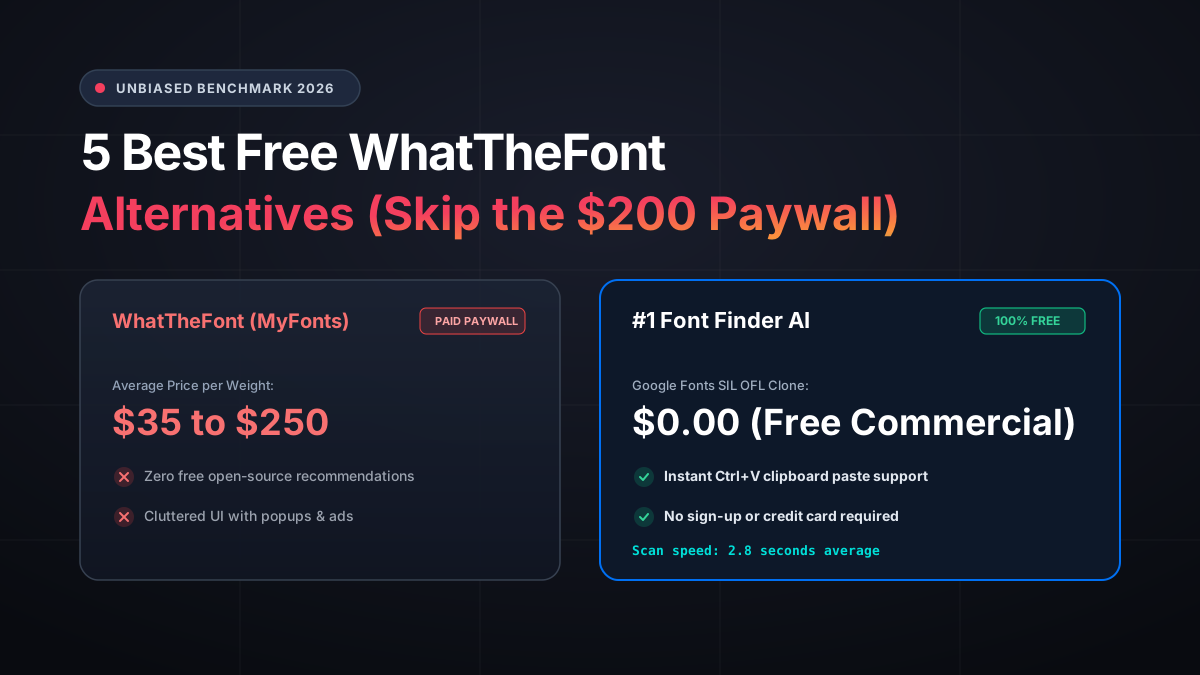
You have probably been here before: you upload an image to WhatTheFont, wait for the scan, and find the exact typeface name. Your excitement lasts about 2 seconds, until you see the checkout price: $45 for a single weight or $299 for the full family.
Here is the industry truth: WhatTheFont is owned by Monotype/MyFonts, the largest commercial font distributor in the world. Its core business model is not to help you solve your project, but to funnel you into an expensive shopping cart.
In this guide, we evaluate the top free WhatTheFont alternatives in 2026 that prioritize open-source licenses and zero paywalls.
Ready to scan your font image?
Drag your file or paste with Ctrl+V to identify the font and grab the free Google Fonts twin instantly.
PNG, JPG, WEBP • No signup or search limits required
1. The Problem with WhatTheFont in 2026
While WhatTheFont was a pioneer over a decade ago, modern designers are turning away from it for three critical reasons:
• Dead-End Paywalls: It exclusively recommends proprietary fonts. If a font costs $150, you get zero alternative paths.
• Ad Clutter and Slow Scans: The web interface is laden with heavy trackers, video banners, and manual character mapping steps.
• Out of Sync with Modern Web Trends: Modern digital products run on open-source Google Fonts optimized for Core Web Vitals, not heavy legacy desktop licenses.
2. #1 Font Finder AI — The Paywall-Free Alternative
Font Finder AI was built specifically to solve the frustration of commercial paywalls.
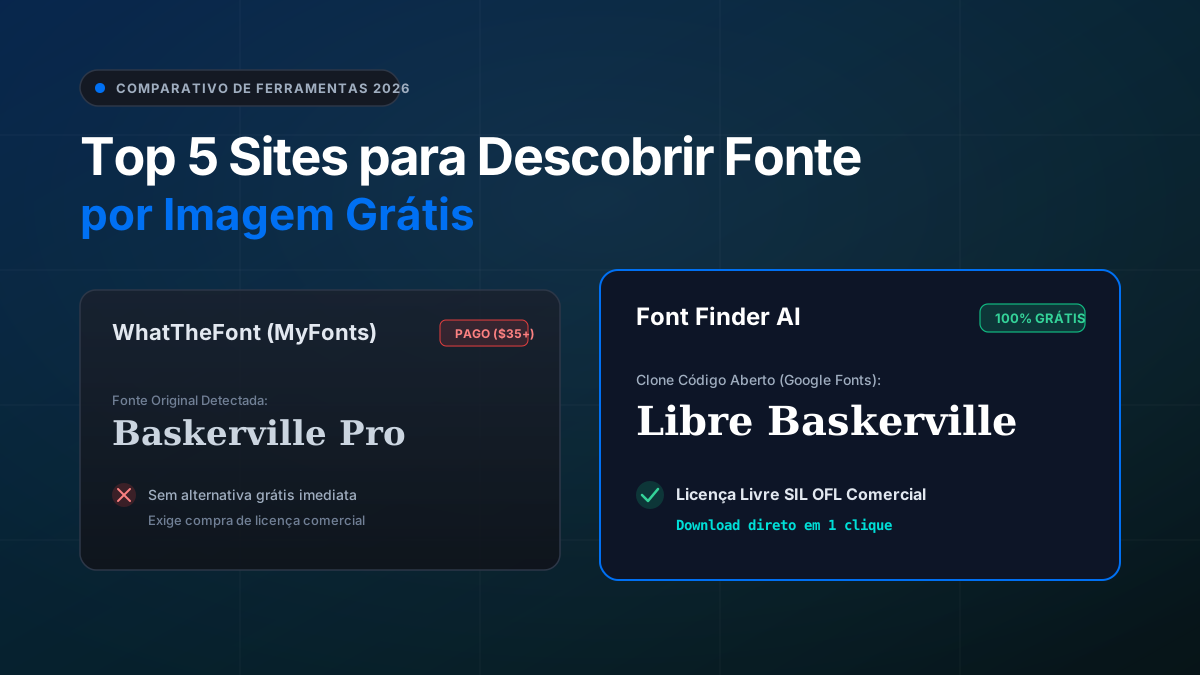
Instead of locking you behind an expensive license, its neural OCR engine identifies the original font and instantly matches it with the closest 100% free open-source twin on Google Fonts under the SIL Open Font License.
It supports instant Ctrl+V clipboard pasting, zero account creation, and lightning-fast scans in under 3 seconds.
Copy any screenshot directly to your clipboard and hit Ctrl+V on the Font Finder AI home page — no need to save the file to your desktop!
3. #2 WhatFontIs — Deep Catalog with Mixed Results
WhatFontIs indexes over 990,000 fonts, including both free and commercial typefaces.
However, the free tier is heavily monetized with intrusive interstitial ads, and users are frequently forced to manually verify character contrast before seeing results.
4. #3 Font Squirrel Matcherator — Curated Free Fonts
Font Squirrel is beloved for its curation of 100% commercial-free typefaces. The Matcherator works well on clean, high-contrast text.
However, it struggles significantly with angled photos, camera perspective distortion, and cursive script fonts.
5. Detailed Comparison Table
Here is how the top font identifiers compare head-to-head in 2026:
| Feature | WhatTheFont (MyFonts) | Font Finder AI | WhatFontIs |
|---|---|---|---|
| Cost to Scan | Free | Free | Free |
| Suggested Font Pricing | Paid ($35 to $299+) | 100% Free (SIL OFL) | Mixed (Free & Paid) |
| Open-Source Twin Suggestions | No | Yes (Google Fonts) | Partial |
| Clipboard Paste (Ctrl+V) | No | Yes | No |
| Scan Speed | ~4.5 seconds | ~2.8 seconds | ~8.5 seconds |
| Intrusive Ads | Yes (Heavy Banners) | Zero intrusive ads | Yes (Video popups) |
Frequently Asked Questions
Are open-source font twins legally safe for client projects?
Yes! Open-source fonts under the SIL Open Font License (OFL) or Apache 2.0 grant full commercial rights to use in logos, websites, mobile apps, and print media without paying royalties.
Does Font Finder AI require an account or credit card?
No. Font Finder AI is completely free with no registration, no subscription, and no usage limits.
Conclusion
You do not need to spend hundreds of dollars on commercial font licenses to deliver world-class design work.
Upload your image to Font Finder AI and discover beautiful free alternatives in seconds!