Table of Contents
If you work as a designer, marketer, or content creator, you have inevitably faced this frustrating scenario: a client sends you an exported PNG image from Canva or a brand logo and asks you to design matching marketing collateral, but nobody knows the name of the original typeface.
With brand logos, the challenge is even steeper: designers often convert text into vector outlines, manually adjust kerning, or modify letterforms, causing standard font identifiers to fail.
The good news is that with a clean crop and neural contour analysis, you can reverse-engineer any Canva design or logo typography in under 5 seconds.
Ready to scan your font image?
Drag your file or paste with Ctrl+V to identify the font and grab the free Google Fonts twin instantly.
PNG, JPG, WEBP • No signup or search limits required
1. The Dilemma: Flattened Templates & Outlined Logos
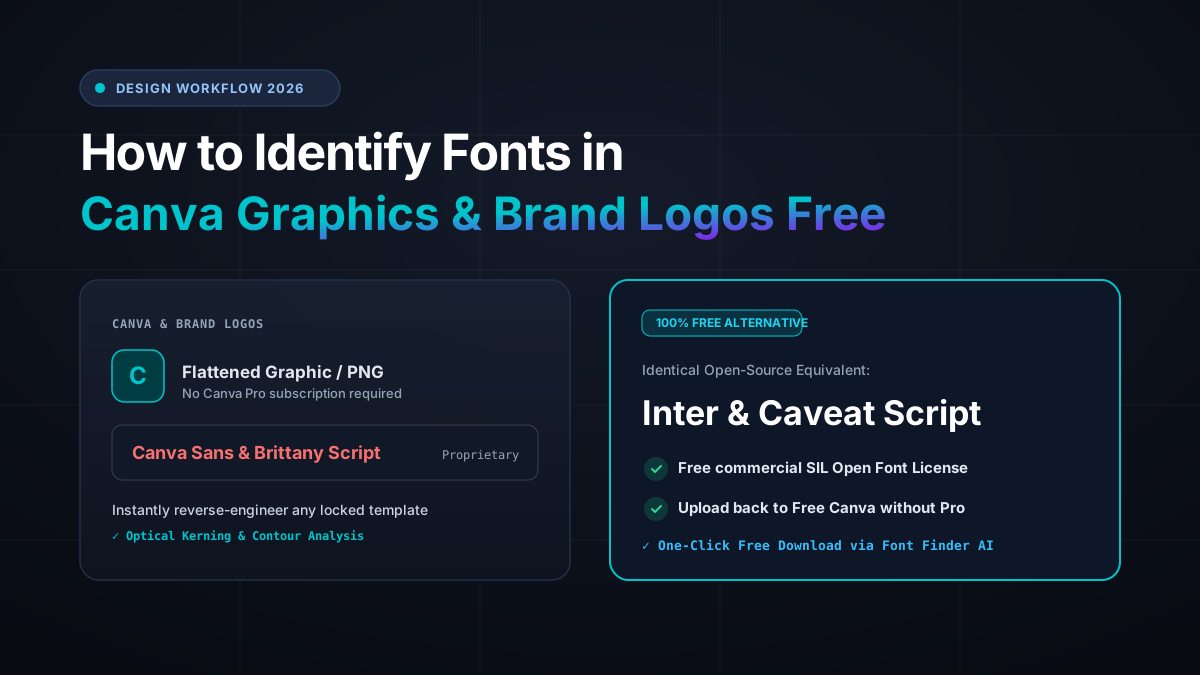
Canva houses thousands of proprietary fonts. Many are given platform-exclusive names or locked behind the Canva Pro paywall ($120/year).
When exporting an artboard to JPG or PNG, all font metadata is discarded. The letters become flat pixel grids, leaving you with no native way to inspect the text layer properties.
2. How to Extract Fonts from Canva Without a Pro Account
To extract the exact typography from a Canva graphic without paying for Pro:
1. Take a high-resolution screenshot of the headline text using Windows Snipping Tool (Win + Shift + S) or Mac (Cmd + Shift + 4).
2. Crop closely around 3 to 5 clear letters, avoiding background textures or overlapping photos.
3. Paste directly into the Font Finder AI tool using Ctrl+V.
Our neural engine immediately detects the glyph geometry, identifies the font family, and pairs it with the identical 100% free Google Fonts equivalent.
You can download the free Google Fonts twin suggested by Font Finder AI and upload it back into your free Canva account or desktop apps without spending a dime!
3. Table: 8 Popular Canva Fonts & Identical Google Fonts Twins
Here is the definitive mapping of the most popular Canva fonts to their free open-source equivalents:
| Canva Font Name | Visual Style | Free Google Fonts Twin | Best For |
|---|---|---|---|
| Canva Sans | Clean Modern Sans | Inter / Roboto | Body copy, UI, and corporate decks |
| League Spartan | Bold Geometric Display | Spartan (Google Fonts) | Punchy YouTube thumbnails & posters |
| Brittany Signature | Calligraphic Script | Caveat / Reenie Beanie | Signatures, quotes & feminine branding |
| Glacial Indifference | Minimalist Geometric | Questrial / Montserrat | Luxury branding and editorial |
| Playfair Display | High-Contrast Serif | Playfair Display (Official) | Fashion, weddings & luxury goods |
| Anton | Condensed Impact | Anton (Official) | Sale banners and sports graphics |
| Gagalin | Rugged Vintage | Bangers / Permanent Marker | Restaurants, packaging & food brands |
| Bebas Neue | Tall Condensed Sans | Bebas Neue (Official) | Headlines, book covers & event flyers |
4. The Secret to Identifying Typefaces in Custom Logos
Identifying logos with custom vector modifications requires 2 essential tricks:
• Isolate Character Anatomy: Exclude brand emblems, swooshes, or mascot illustrations. Focus your crop strictly on clean, readable letterforms.
• De-italicize Artificial Slants: If a logo uses heavily italicized letters, rotate the image slightly so the vertical stems stand upright before submitting.
• Custom Lettering Fallback: Major brands (like Coca-Cola or Disney) use bespoke hand-lettering. In those cases, Font Finder AI surfaces the closest commercial and open-source base typefaces used as the design foundation.
Frequently Asked Questions
Can I legally use the same font as a famous brand logo?
You can legally use the underlying typeface family if you hold an appropriate commercial license or use an open-source SIL OFL twin. What you cannot do is replicate another company’s trademarked brand name or visual insignia.
How do I install Google Fonts into Canva?
With Canva Pro, you can upload .TTF files directly to your Brand Kit. On the free Canva tier, simply choose the matching Google Font already built into Canva’s default font picker (like Inter, Montserrat, or Caveat)!
Conclusion
Reverse-engineering typography from finished images and logos is an essential superpower for modern designers.
Ready to identify a font? Drop your screenshot into our free font identifier and get answers in 3 seconds!